Use Siri to Activate Named iOS Alarms
You can use Siri to activate named iOS alarms, which is handy if you have multiple alarms. Here’s how to get started.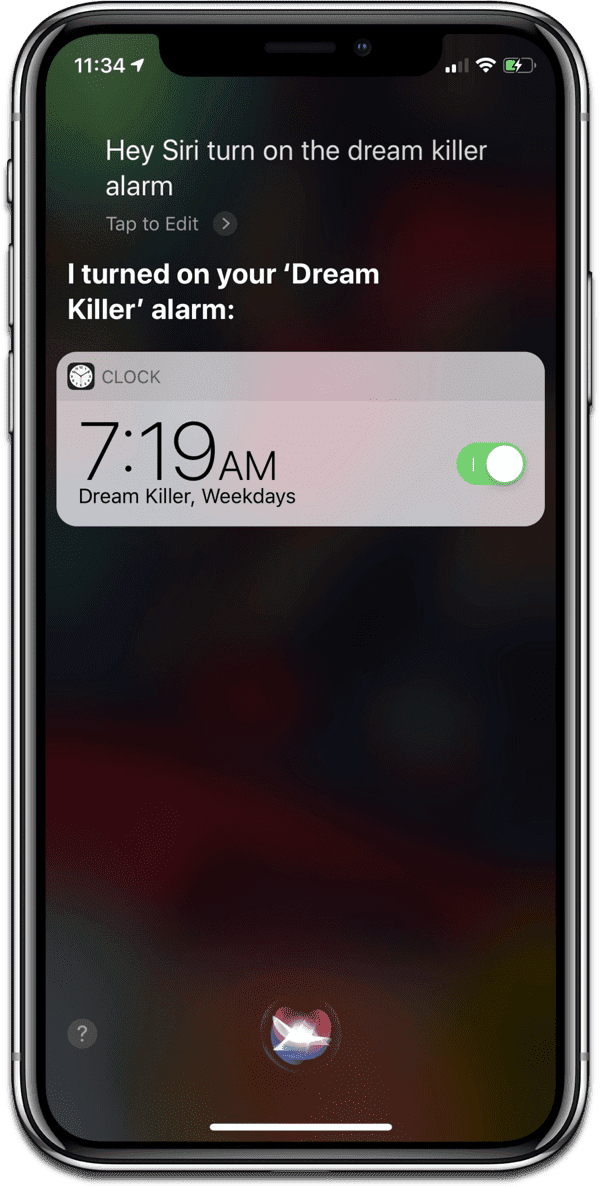
[iOS: How to Name Alarms in the Clock App]
Named iOS Alarms
You can name iOS alarms in the Clock app, which I covered in a previous tip. To use Siri, just say something like “Hey Siri, turn on the <name> alarm.” The good thing about this is that it’s built into the system, meaning you won’t have to set up a fancy new Siri Shortcut once iOS 12 rolls out.
[How to Use Siri to Set Alarms on HomePod]
0 Response to "Use Siri to Activate Named iOS Alarms"
Post a Comment