How iCloud Drive Compares Against the Competition
Yesterday we wrote that Apple is offering an iCloud storage promotion. Today we’re looking at how iCloud Drive compares to the competition, specifically when it comes to storage tiers and pricing.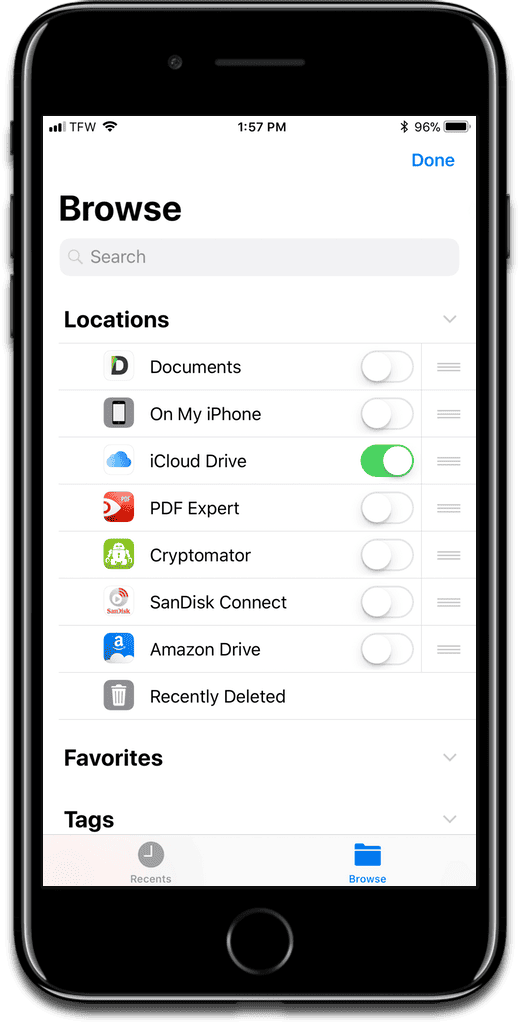
[macOS: How to Access iCloud Drive in Terminal]
iCloud Drive
- 5GB: Free
- 50GB: US$0.99/month
- 200GB: US$2.99/month
- 2TB: US$9.99/month
Dropbox
- 2GB (up to 16GB with referrals): Free
- 1TB: US$9.99/month
- 2TB: US$19.99/month
Google Drive
- 15GB: Free
- 100GB: US$1.99/month
- 200GB: US$2.99/month
- 2TB: US$9.99/month
- 10TB: US$99/month
OneDrive
- 5GB: Free
- 50GB: US$2.99/month
- 1TB: US$7.99/month
- 5TB: US$10.99/month
Conclusion
The biggest complaint with iCloud Drive is that many people want Apple to increase the free tier. But Apple actually isn’t doing too bad when it comes to competitors. I think if Apple brought back its 1TB tier and priced it at US$4.99/month, that would put pressure on other providers.
Dropbox is even worse off than iCloud Drive. It only offers 2GB of free storage, but if you can get your friends and family to sign up using your referral link, you can get up to 16GB for free. Dropbox also doesn’t offer a tier in the middle, it jumps straight to one terabyte.

Google beats everyone with its free tier, and also offers a bigger tier on the high end at 10 terabytes. It’s also the mostly closely matched with Apple when it comes to pricing.
If you’re asking which storage provider gives you the most bang for your buck, I would go with Google. But it also depends on other factors, like ecosystem and privacy. Google scans everything you upload to Google Drive. If you have the know-how to encrypt your files before you upload them, then privacy is no longer a concern.
If you have more than one Apple device, then sticking with iCloud Drive might be the easiest for you. Ecosystem is everything nowadays, and it’s easy to use iCloud Drive because everything is automatically synced in one place, without needing to install a third-party app. Additionally, thanks to iOS 11’s Files app, which acts as a cloud hub, it’s easier than ever to manage files with multiple cloud storage providers.
[Google Drive gets Full iOS 11 Files Support]
0 Response to "How iCloud Drive Compares Against the Competition"
Post a Comment