How to Turn Off HomePod’s Siri Light
Every time you say “Hey Siri” the light on top of your HomePod starts pulsing. If that light is annoying you can turn it off. Read on to learn how.
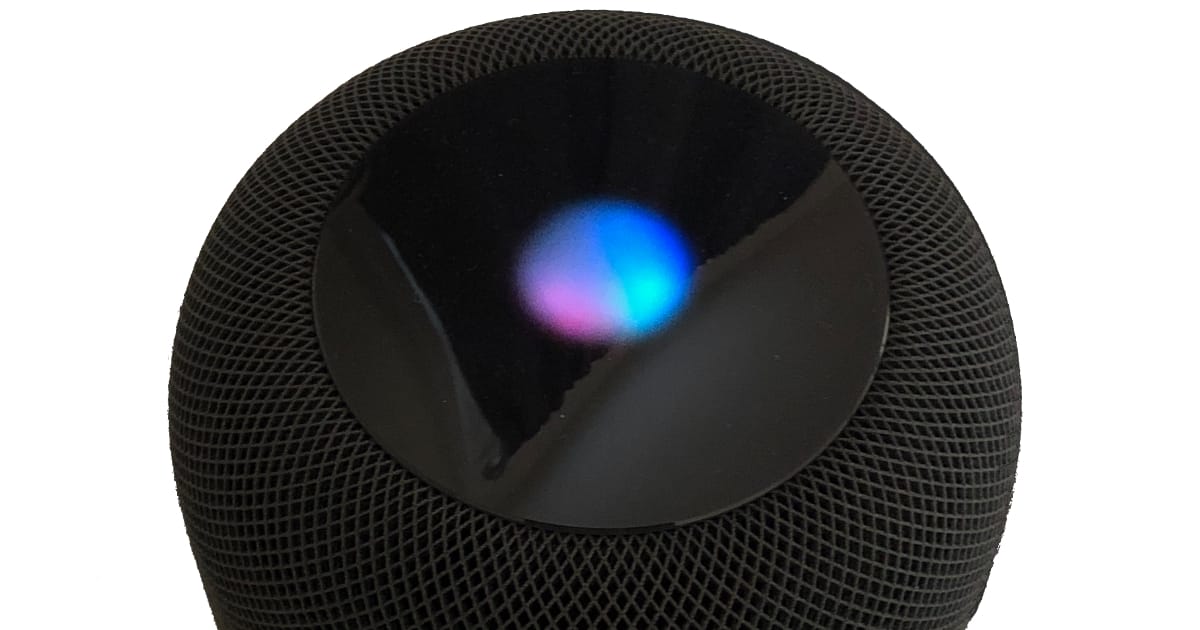
Don’t like HomePod’s Siri light? You can turn it off
To turn off the Siri indicator light on your HomePod, do this:
- Launch the Home app on your iPhone or iPad
- Press and hold the HomePod tile
- Tap Details
- Turn off Light When Using Siri
- Tap Done
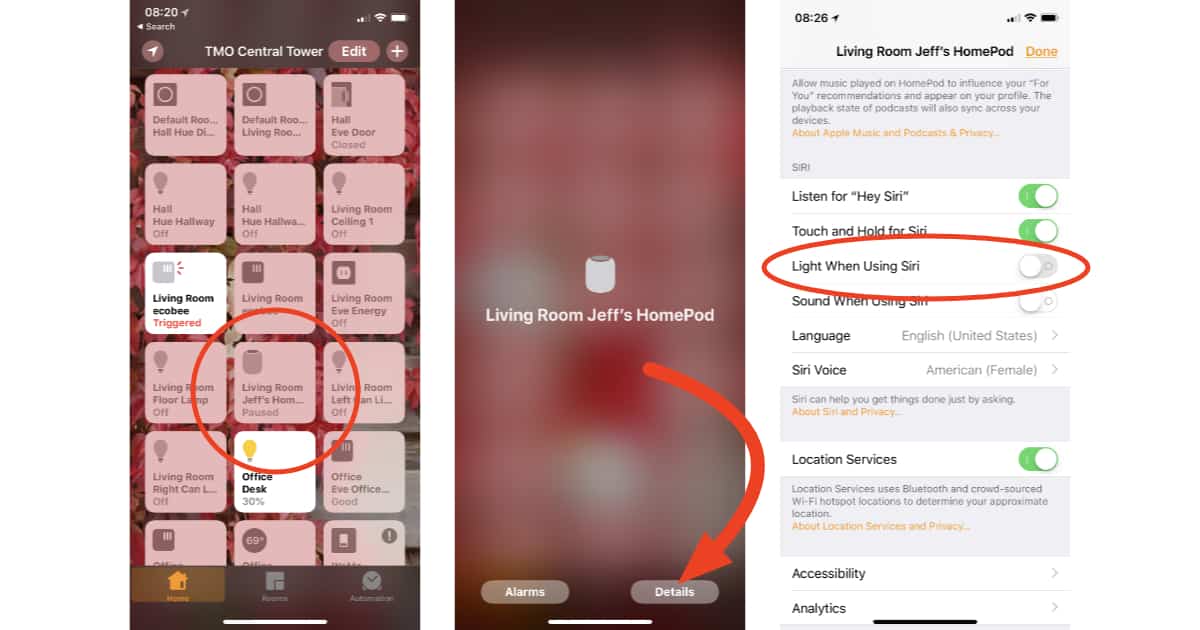
Use the Home app to turn off HomePod’s Siri light
Siri will still respond when you say “Hey Siri,” but now your HomePod will stay dark; no pulsing cloudy light for you.
0 Response to "How to Turn Off HomePod’s Siri Light"
Post a Comment