Here’s How Siri Decides Which Device to Respond From
Let’s say you have an iPhone, iPad, Apple Watch, and now a HomePod. What happens when you say, “Hey, Siri” when all the devices are in the same room? There’s a system to what otherwise could be voice control chaos. Read on to learn how it works.
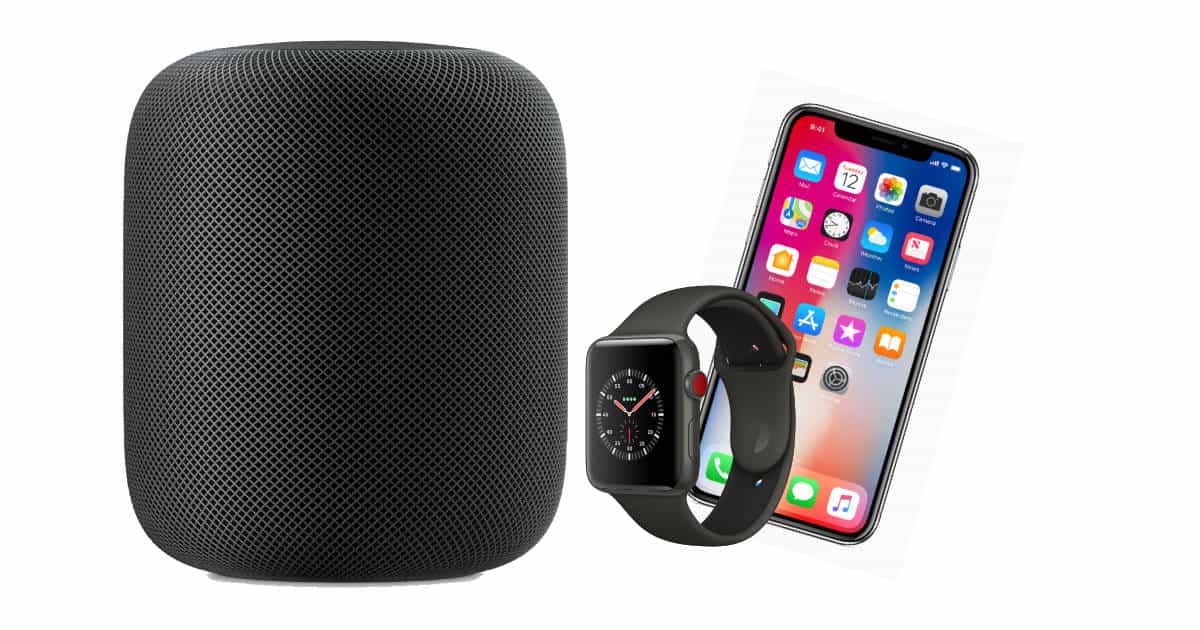
When you invoke Siri to play music, turn on the lights, or check the weather, all of your devices capable of responding should start listening. Over the course of a few milliseconds they carry on a conversation over Bluetooth to decide which device gets to respond and carry out your command or query. Here’s how Siri makes that decision:
Siri’s Time Check
Siri keeps track of the device where it was most recently invoked. That earns some priority points, but isn’t the only criteria that matters. For instance, if you used Siri on your iPhone to get driving directions while your iPad is nearby, and then ask for a weather update, your iPad will most likely not respond.
Siri’s Proximity Check
How close a device is to you matters, too. An iPad across the room gets a lower priority than the iPhone on the desk next to you.
Siri’s Apple Watch Override
It doesn’t matter which device Siri responded from last if you raise your wrist and talk to your Apple Watch. Siri assumes that’s the device you want to use, so it gets the command. It also gets a proximity double bonus because it’s on your wrist and near your mouth. That’s pretty darn close to you.
Siri Always Lets HomePod Win
Siri defaults to HomePod whenever its in earshot—or mic shot, since HomePod doesn’t actually have ears. You can watch all of your other devices wake up and start listening when you say, “Hey Siri,” and then watch them all stop responding when HomePod takes the command.
That’s handy in the sense that you know exactly which device will respond when you’re near HomePod. That’s also a problem because HomePod can’t handle nearly as many Siri tasks as your iPhone, iPad, or Apple Watch.
HomePod also doesn’t support Handoff, so tasks it can’t handle simply don’t happen. If Handoff was an option, HomePod could send those tasks to another device, like your iPhone.
Another limitation is Siri’s failure to understand context. If it did, Siri could choose to respond from your iPhone or iPad, for example, when you want to check you schedule—something HomePod can’t do.
When Siri Doesn’t Play by the Rules
Apple’s system for delegating Siri works fine, all the way up until it doesn’t. Sometimes it flat-out fails and no devices respond even though they all wake up when you say, “Hey Siri,” the wrong device takes the command, or more than one device responds.
I’ve had a handful of Siri failures where my iPhone or Apple Watch grabbed a command I intended for my HomePod, and I also had an incident where I told Siri to play music and both my HomePod and iPhone started streaming different songs.
Luckily, problems like that haven’t happened very often for me. They’re also issues Apple can address through improvements to Siri, and those don’t even require a software update on our devices.
0 Response to "Here’s How Siri Decides Which Device to Respond From"
Post a Comment