Maps: How to See the Weather for Different Locations
OK, so this is less of a “tip” and more of a “lookit this cool interface element.” (Or at least I think it’s cool.) Turns out that the little weather icon in Maps under iOS and macOS updates for the location you’re zoomed into. Here’s what I mean: If I look at my location within Maps on my iPhone, I’ll see the current conditions and temperature.
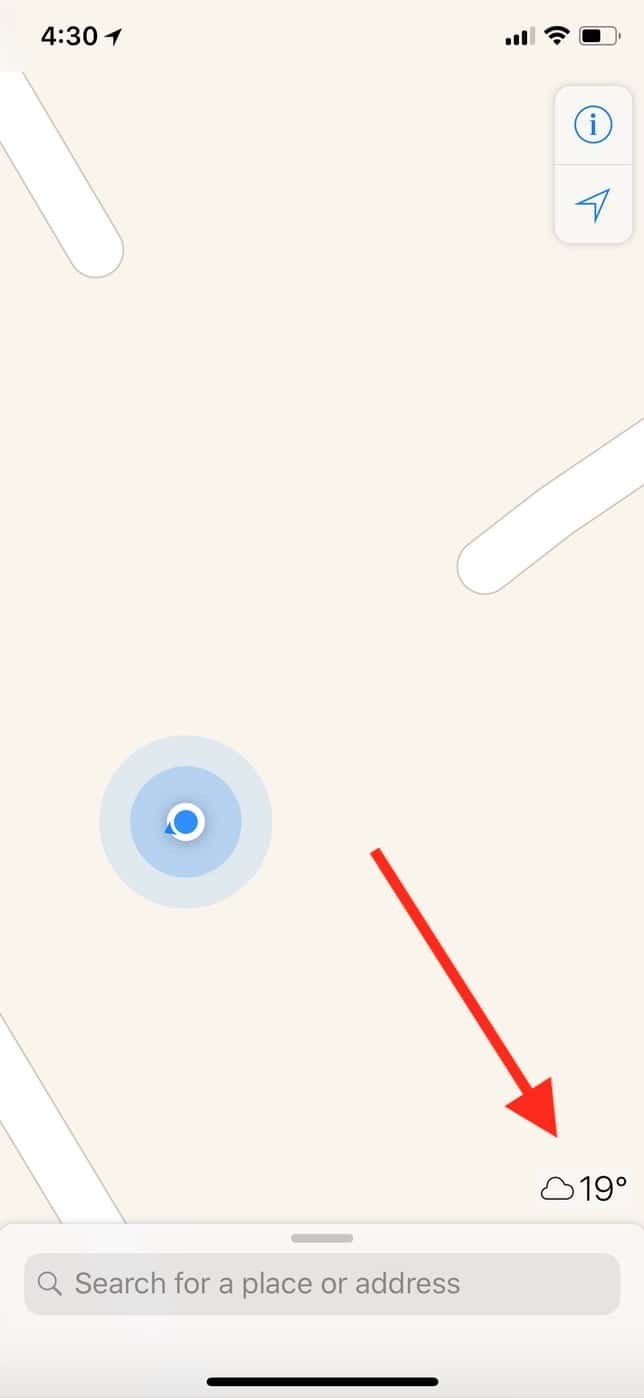
Brrrrrr.
But if I then scroll over to, say, California, that icon will update with the weather for that place instead.
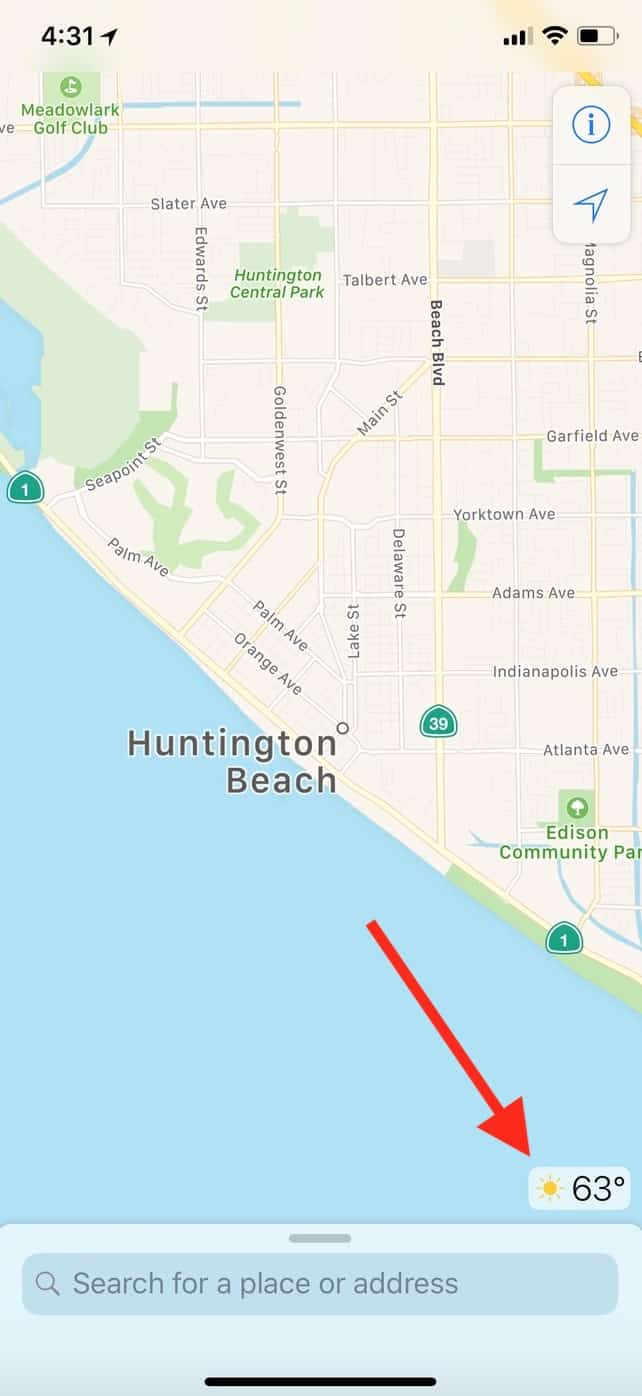
Huntington Beach residents, I hate you so much right now.
This is true with Maps on the Mac too. Within that app, the weather icon is near the top-right corner, and it’ll update just like the iOS one does.
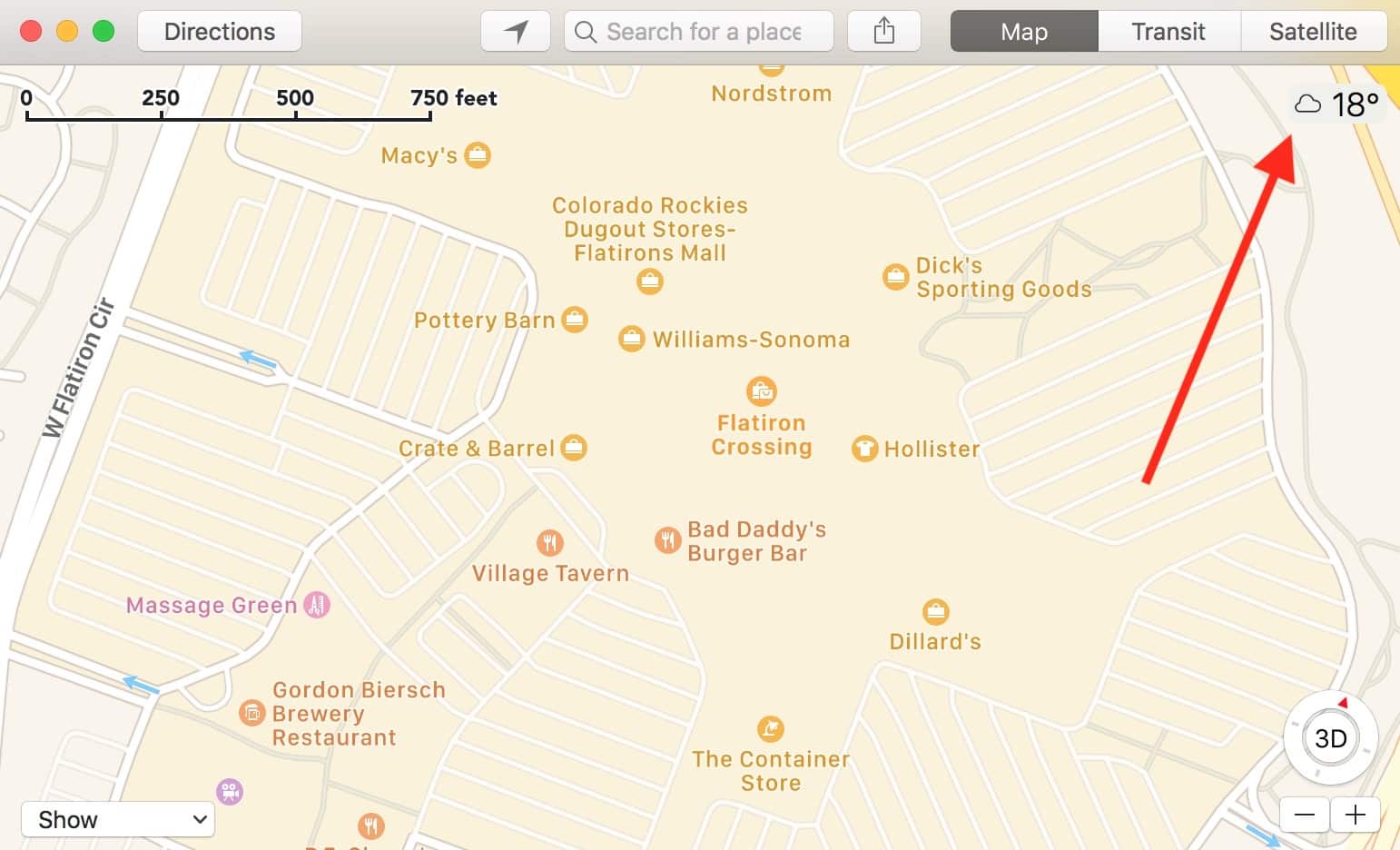
In either case, though, if you don’t see that icon at all, try just zooming in a bit on a location until you do.
I mean, there are easier ways to find out the conditions of a place you’re going to—invoking Siri and asking something like, “What’s the weather in Huntington Beach” comes to mind—but this is a nifty little addition to Maps anyhow, I think!
0 Response to "Maps: How to See the Weather for Different Locations"
Post a Comment