iOS 10: Using 3D Touch in Spotlight
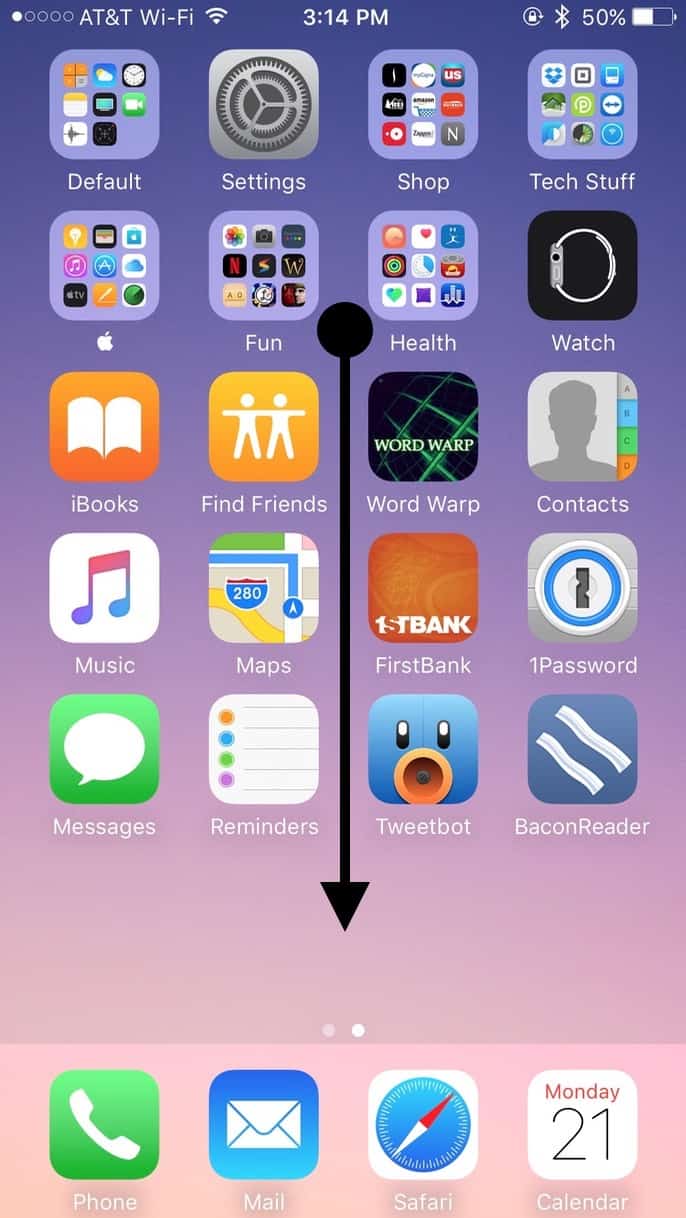
If you’re using a recent iPhone (6s/6s Plus or 7/7 Plus), then you’ve probably gotten accustomed to your favorite uses for 3D Touch. I really like looking at notifications within folders myself and opening new private tabs in Safari. Another neat thing to do with it, though, is to use Spotlight searches to find apps, and then if you press on a result within the Spotlight interface, you’ll get the same options you’d get by 3D-touching the app itself! Here’s what I mean. Start by swiping down on your home screen to open the iOS Spotlight search function…
…and then type the name of an app into the search field at the top.
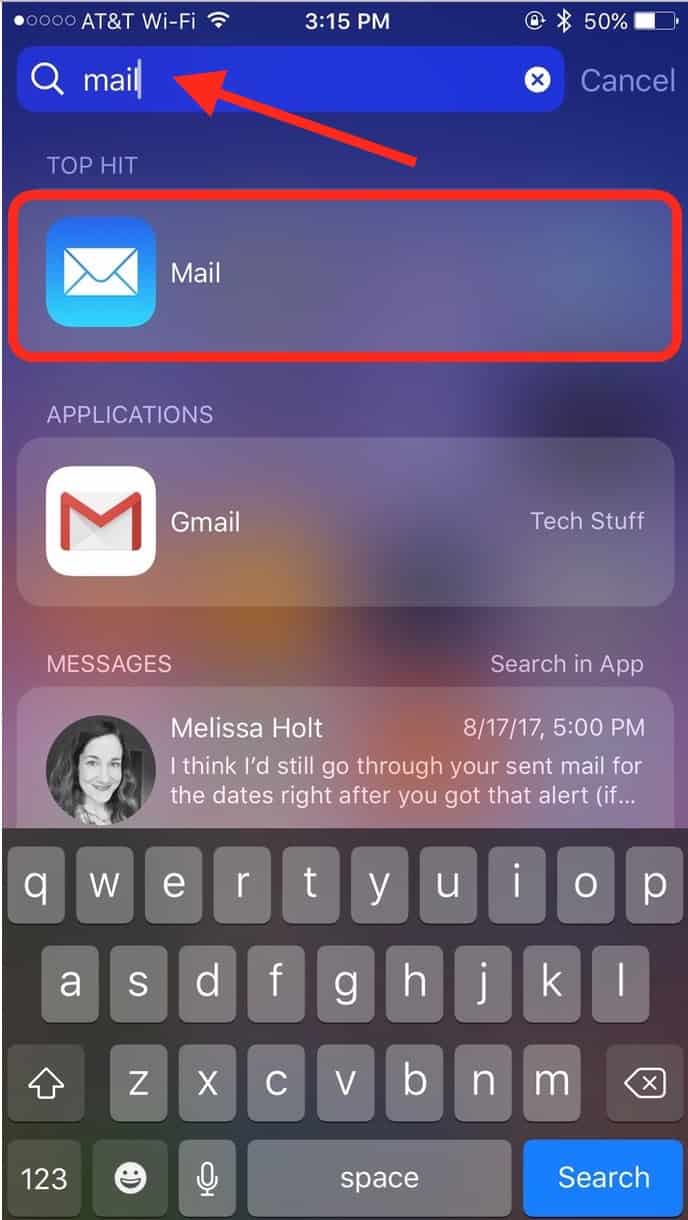
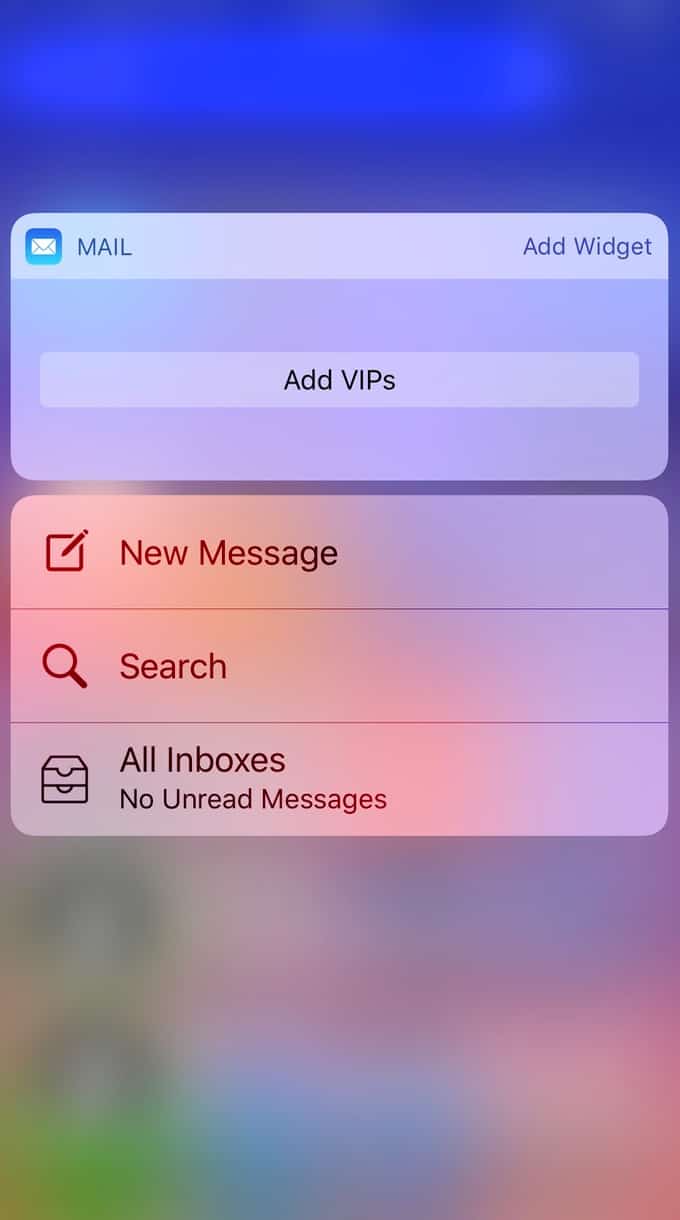
As you can see, my search for “mail” brought up the Mail app. No big surprise there! But when I press with a little force on the app in the results, I’ll get the same Quick Action choices I’d get from using 3D Touch on the app icon.
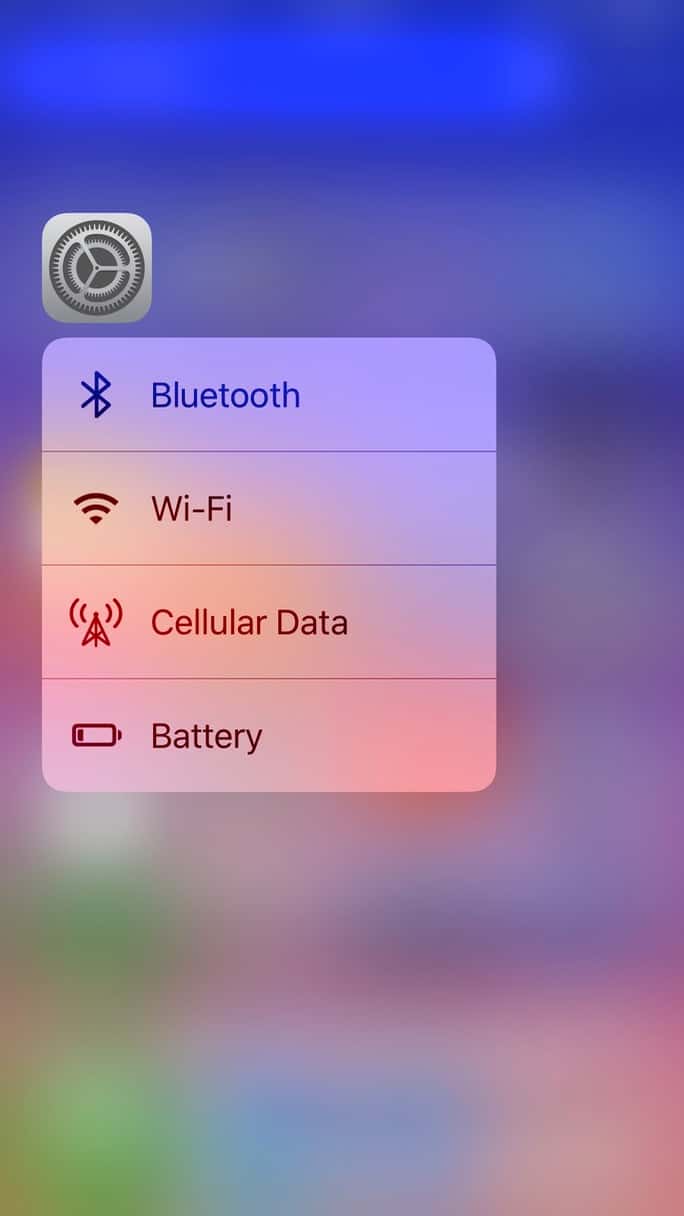
This is especially useful if you’ve grabbed someone else’s iPhone and need to, say, add it to your Wi-Fi network; a quick search for “Settings,” a little press on the result, and you’ve got fast access to that option.
You could also use this to quickly find the Camera app and use its Quick Actions.
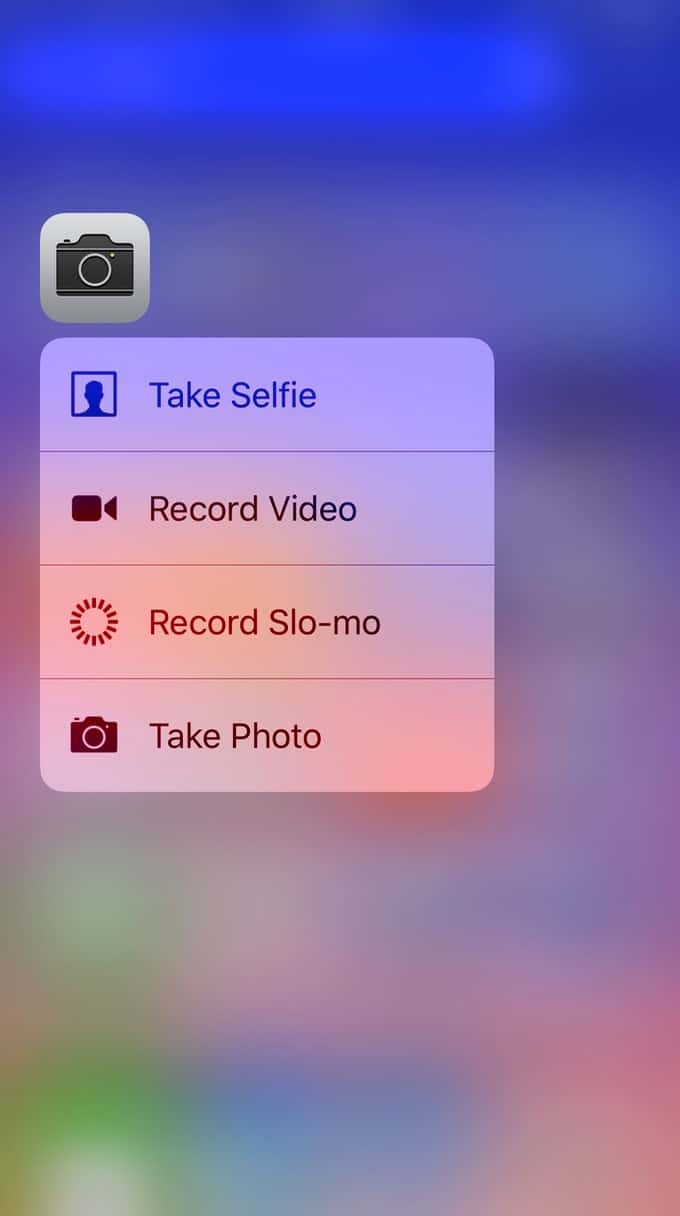
I mean, some folks bury everything on their iPhones under 50 bajillion folders, so anything that’ll save you from paging through an unfamiliar device has gotta be a big help. I personally have a folder labeled “Tech Stuff” on my iPhone, and it contains such items as the Zillow app and Parkmobile. Makes total sense to me (really!), but anyone I handed my phone to would be a bit lost, I’ll bet.
As if I’d ever hand my phone to someone without watching over his shoulder. Perish the thought.
0 Response to "iOS 10: Using 3D Touch in Spotlight"
Post a Comment